
 by SEPA.gg
Choose the workflow for the change
Camera position, rotation and FOV are live controls in the Camera workspace. CameraPhysics.xml and CameraSettings.ini are files installed on disk through Mods.
File installation is separate from live framing. The legacy live loader has been removed. A restart reminder or matching file hash cannot prove which data FH6 has loaded.
Install a reviewed variant
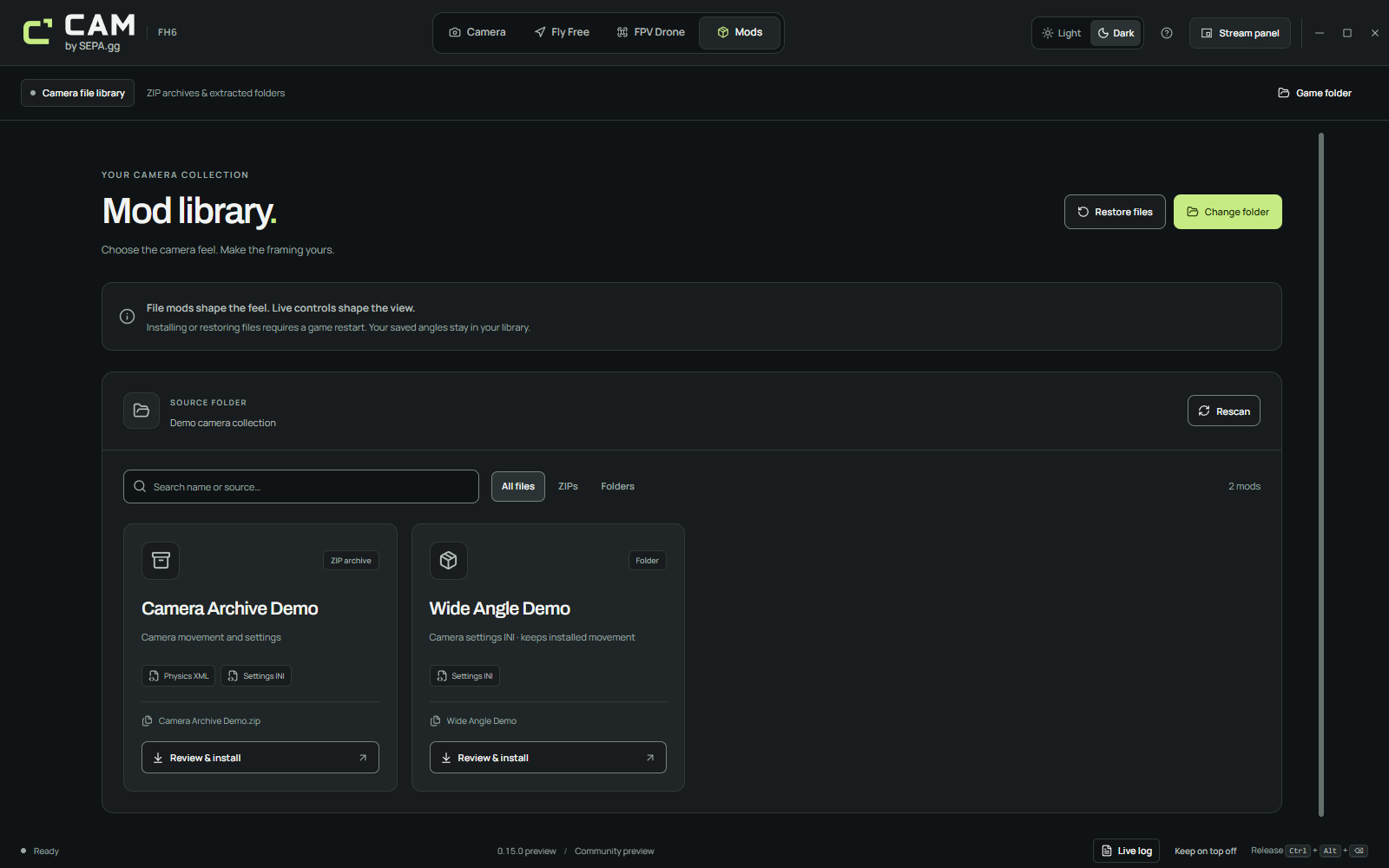
Choose a source folder
Select a focused collection of camera-mod ZIPs or extracted folders. Discovery runs in the background.
Wait for the scan and read notices
Use search and the ZIP/folder filters to find the variant. Incomplete or unreadable sources appear as scan notices; use a smaller folder when a scan reaches its limit.
Review the exact files
Review CameraPhysics.xml and/or CameraSettings.ini before installing. If the source files change after review, review them again.
Install files
CAM preserves the source bytes and backs up the currently installed pair. A partial mod keeps the unprovided installed counterpart.
Restart and check in FH6
Fully restart the game, then inspect the behavior you intended to change. Installed on disk describes the files, not visible in-game acceptance.
Restore the latest backed-up pair
Use Restore files to restore the latest backed-up CameraPhysics.xml / CameraSettings.ini pair. Fully restart FH6 again after the restore.
Saved camera angles remain available. Keep the backups folder when upgrading or moving the app so that your exact restore points travel with it.
If a source is missing or the scan is incomplete
Discovery is bounded and skips dependency/application folders and links. An oversized or mixed collection can be incomplete.
- Read the visible folder notice before assuming the collection is empty.
- Use a smaller folder that contains camera mods rather than a broad application or dependency tree.
- Check that the selected ZIP or folder is readable, then rescan.
- Wait for discovery to finish before reviewing or installing.
- If the source changes, review the updated files before installing again.