
 by SEPA.gg
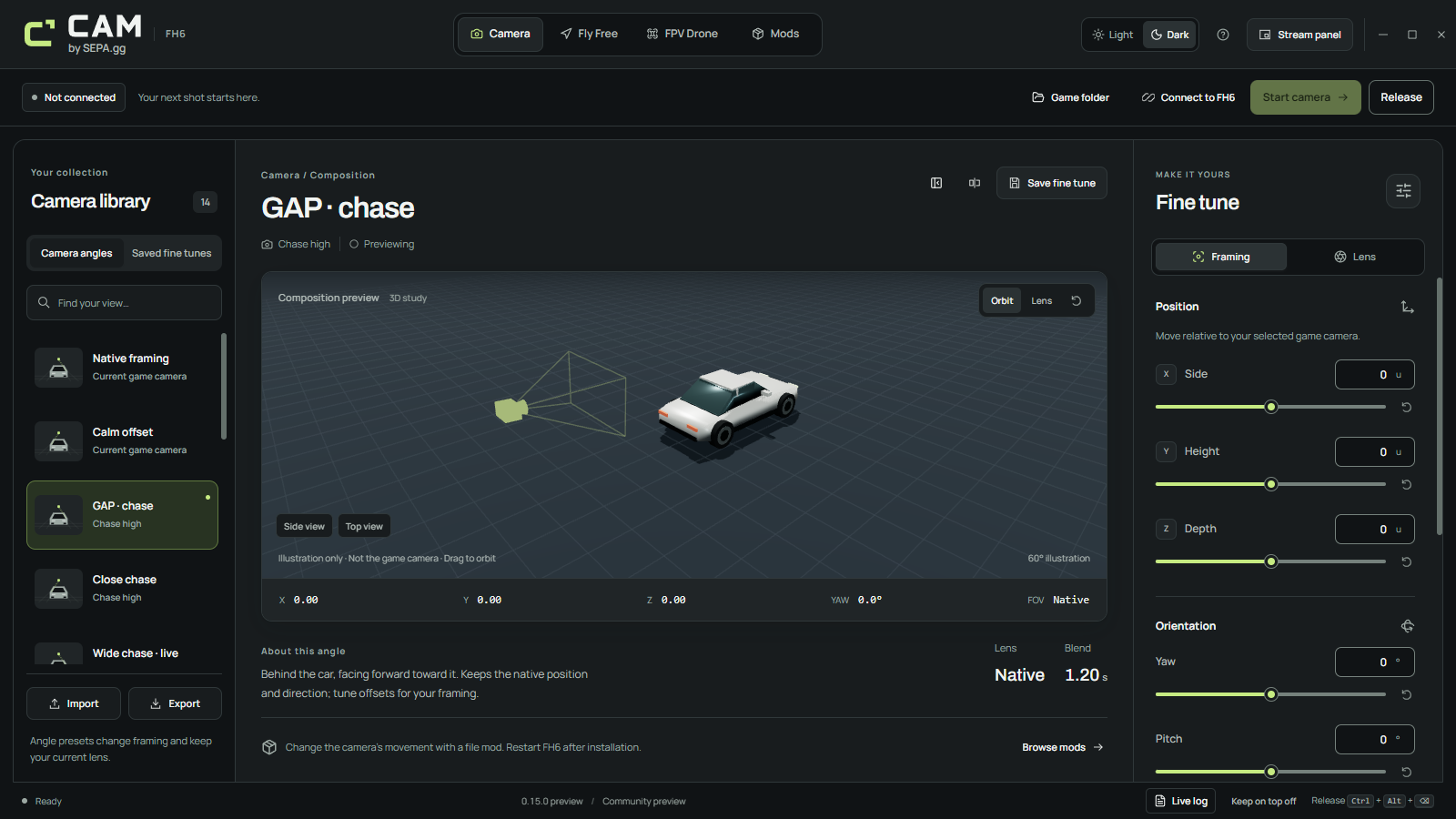
Camera: shape the driving view
Start from one of 14 supplied angles, then adjust side, height, depth, yaw, pitch and roll relative to your selected FH6 camera. Blend time controls whether a change is immediate or gradual.
Follow game keeps the native game or camera-mod lens behavior. Fixed lens gives you a 25–130° field of view. Built-in angles preserve your current lens; saved fine tunes recall their own framing, lens and transition.
Fly Free: place the camera deliberately
Assisted movement suits overhead compositions, architectural views and careful framing in the world or an Estate. Choose level-plane movement to separate your travel from your aim, or move in the direction you look.
Enter exact coordinates, aim back at the captured origin, look straight down, or return to a saved view. Location labels are yours to enter; CAM does not detect where you are.
- Movement
- Precise, Normal and Fast speed tiers with smoothing
- Position
- Within 300 native units of the captured origin on each axis
- Saved views
- Position, orientation and lens, grouped under your location labels
FPV Drone: fly with attitude and momentum
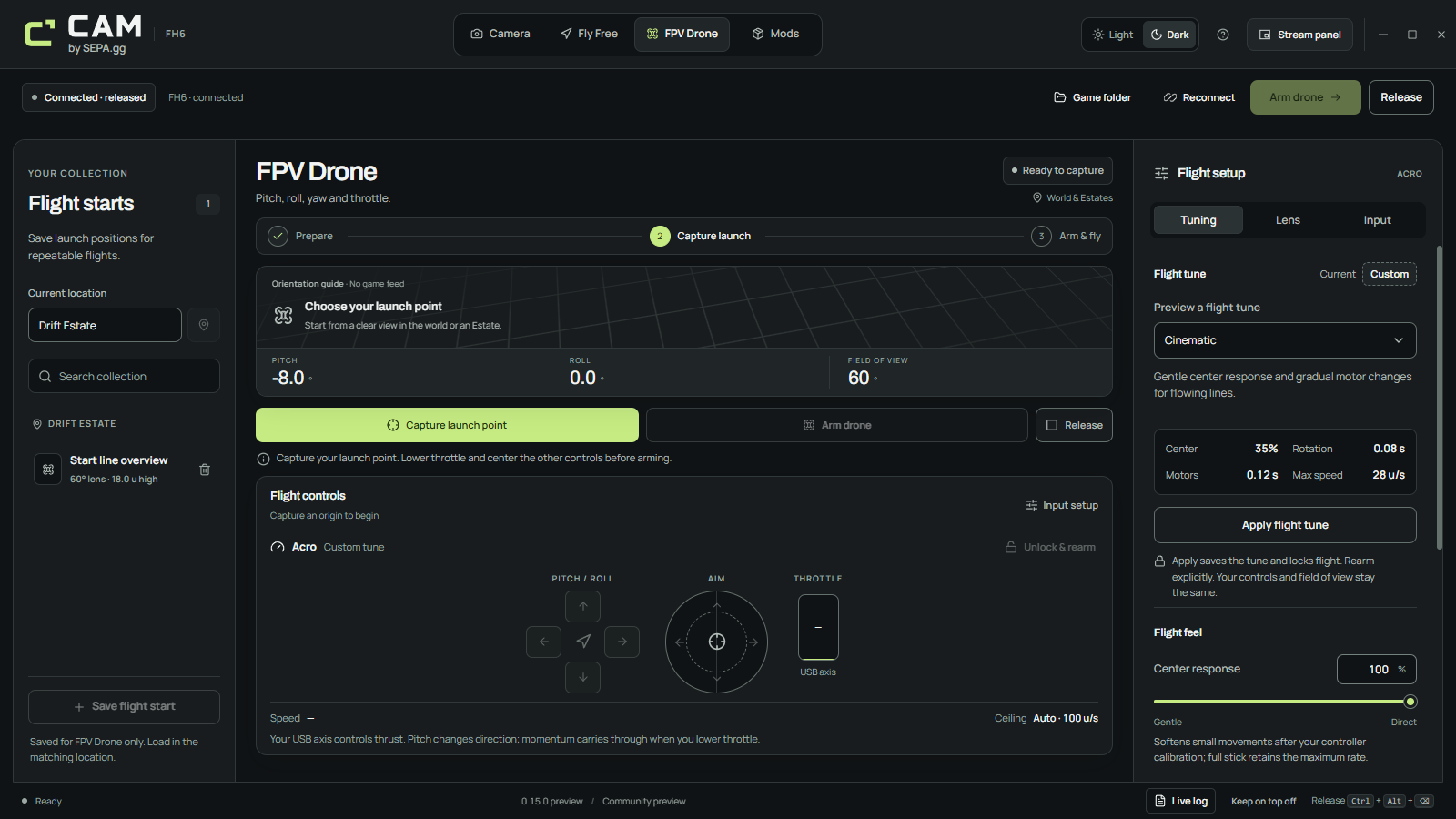
FPV uses a separate Acro flight model. Pitch and bank redirect thrust; gravity, momentum and drag shape the line. Centering the sticks does not level the drone, and zero throttle does not hold altitude.
Apply Cinematic, Freestyle or Chase as a starting tune, then adjust rates, center response, motor response, thrust and the speed ceiling. Chase is a tune for manually following a subject, not automatic tracking.
Mods: review the files before installing
Browse camera variants from ZIPs or extracted folders. Review CameraPhysics.xml and CameraSettings.ini, install exact source bytes with a backup, and restore the latest backed-up pair when needed.
A partial mod leaves the unprovided installed file in place. These are disk changes: fully restart FH6 after an install or restore. There is no live file-mod reload.